Categories
Browse by question

A dual-screen desk needs depth as well as width once stands, keyboard and a mouse mat are in place.Photo: Shixart1985 · CC BY 2.0 · Wikimedia Commons · Open source page How to choose
The decisions that actually change what you end up with.
1 guides

Case makers show builds with glass side panels so the lit fans and cabling inside become the selling point.Photo: Notdjey · CC BY 2.0 · Wikimedia Commons · Open source page Comparisons
Like-for-like comparisons on the specifications that matter.
0 guides
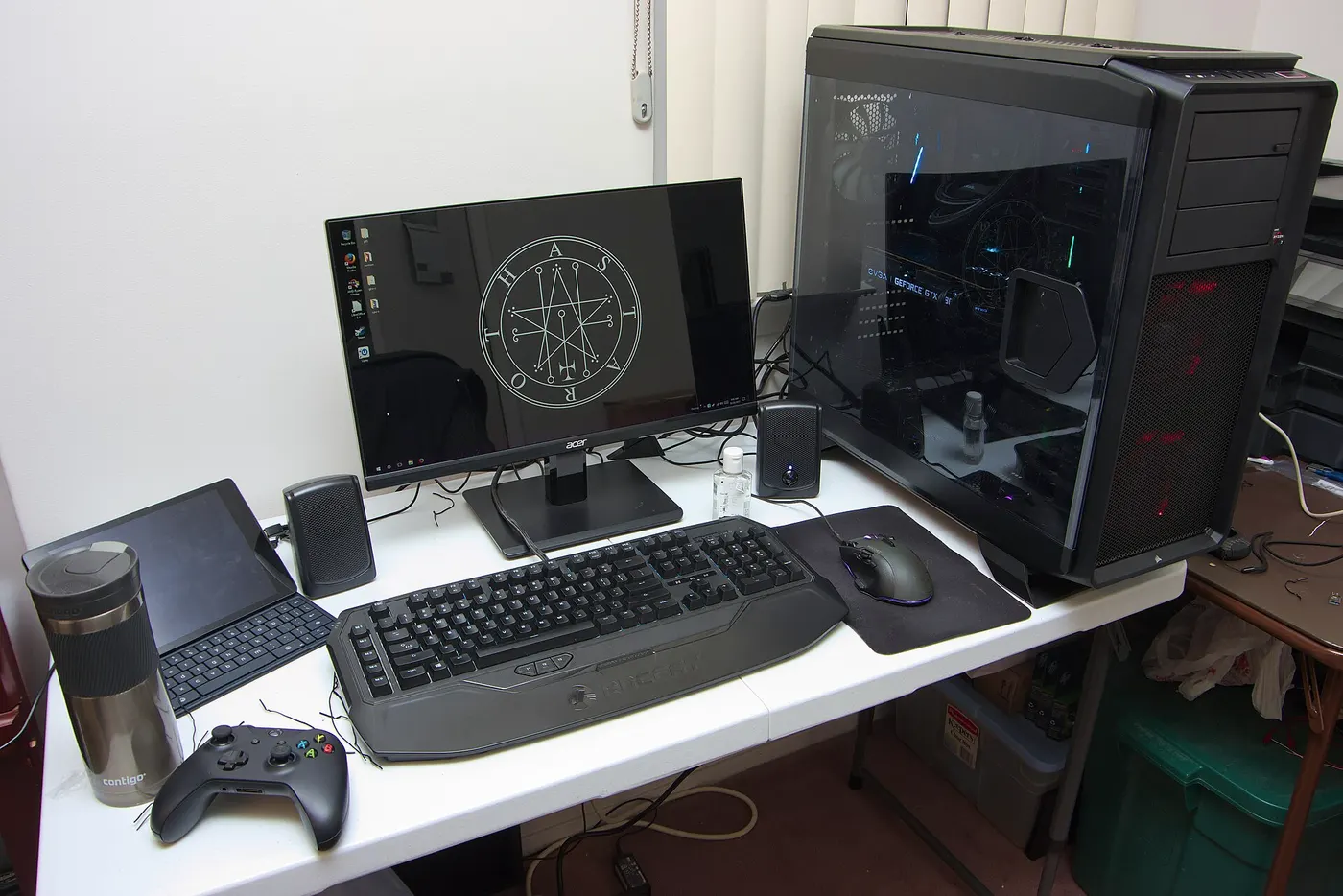
A complete setup on a narrow table, with the tower parked on the desk rather than the floor.Photo: Brian Wong · CC BY-SA 2.0 · Wikimedia Commons · Open source page Budget and prices
What the total comes to once everything is counted.
1 guides

The exposed cross stem is what every standard keycap pushes onto, whatever the switch colour.Photo: Levi Loot · CC BY-SA 4.0 · Wikimedia Commons · Open source page Setting up
Getting it working properly the first time.
0 guides
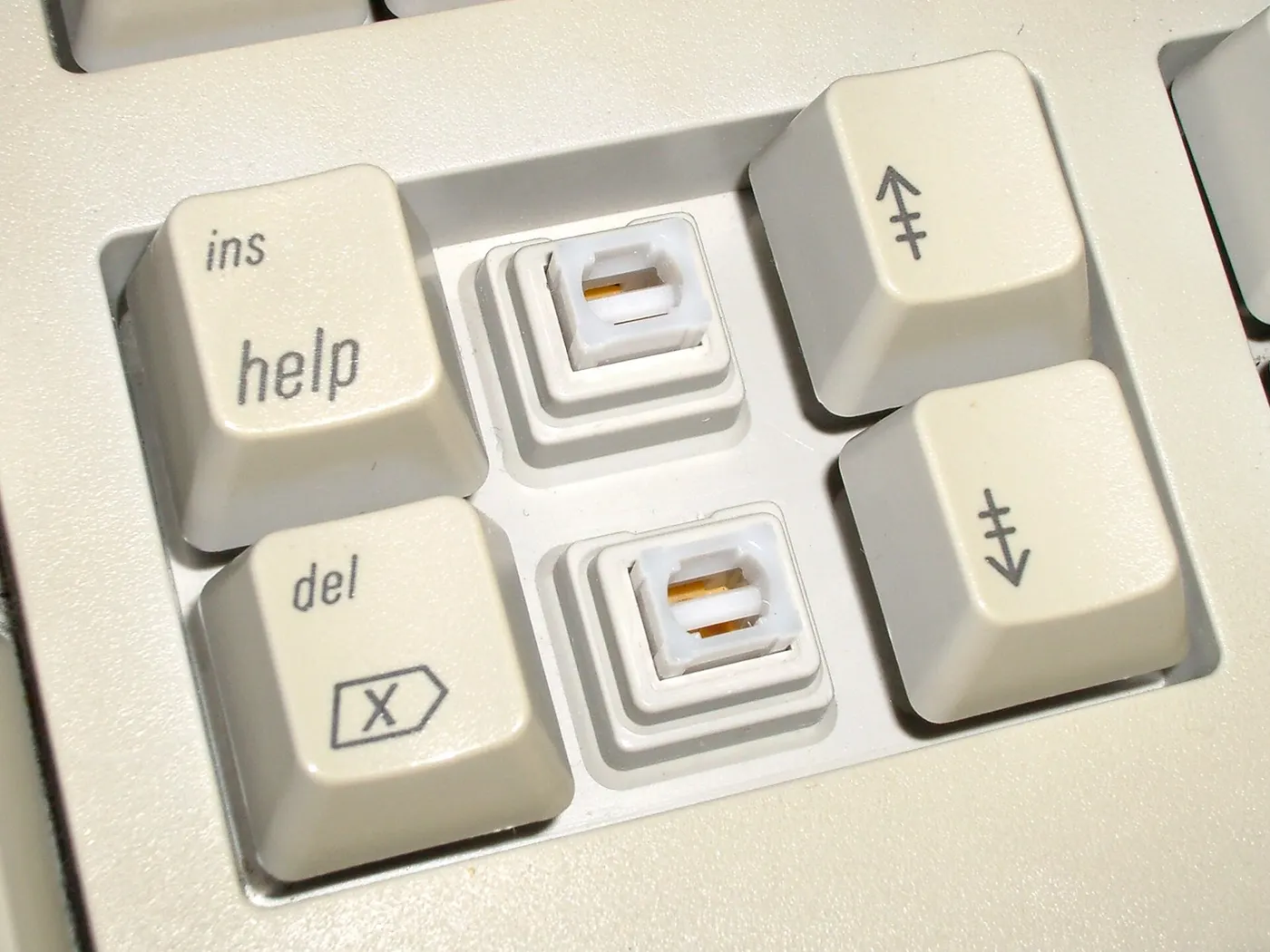
Older keyboards used similar removable keycaps, so switch housings can be inspected the same way.Photo: Daniel beardsmore · Public domain · Wikimedia Commons · Open source page Performance
What the numbers mean in day-to-day use.
1 guides

Ambient lighting this low flatters a desk setup but hides almost every detail of the hardware on it.Photo: SankalpSasnur · CC0 · Wikimedia Commons · Open source page Common mistakes
The expensive errors that are easy to avoid.
0 guides