How to choose
Choosing a gaming monitor: the four numbers on the box that matter
Refresh rate, resolution, the DisplayHDR tier and the VESA certification logo decide a gaming monitor. Here is what each number is measured against.
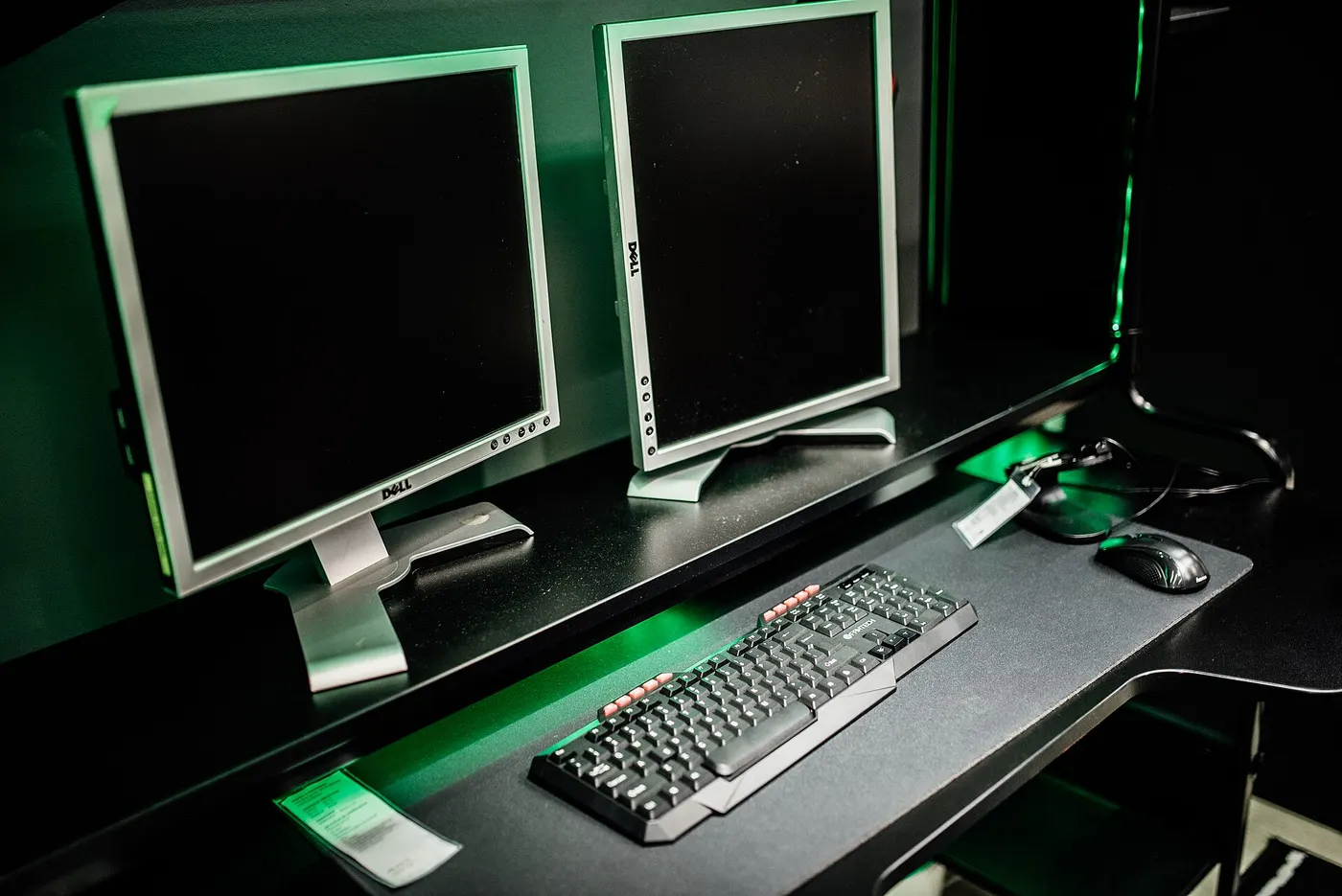
A gaming monitor box carries a dozen numbers and three logos, and most of them are describing the same two things twice. Four figures actually change what you see: how often the panel redraws, how many pixels it has to redraw, what the HDR badge was tested against, and whether the variable-refresh logo was awarded after measurement or printed by the marketing department.
This guide takes those four in the order that decides a purchase, and shows the arithmetic behind each one so you can run it against whatever panel you are looking at. The prices used are labelled examples, because no price feed is connected to this site and panel prices move weekly.
Refresh rate is a frame-time budget, not a score
A refresh rate in hertz is a redraw interval in disguise. Divide 1,000 by the number and you get the gap between frames in milliseconds: 60 Hz is a frame every 16.7 ms, 144 Hz is 6.9 ms, 240 Hz is 4.2 ms, and 360 Hz is 2.8 ms. That interval is the floor on how stale the image on your screen can be, no matter how fast the rest of the chain runs.
The reason the first upgrade feels enormous and the third does not is in the subtraction. Going from 60 Hz to 144 Hz removes 9.8 ms. Going from 144 Hz to 240 Hz removes 2.7 ms. Going from 240 Hz to 360 Hz removes 1.4 ms. Each step costs more than the one before it and returns less, which is the single most useful fact in this guide.
A refresh rate you cannot feed is decoration. A 240 Hz panel driven at 90 frames a second is showing you 90 frames a second with gaps; the panel number sets the ceiling, and the graphics card sets the floor. Decide the frame rate you can actually produce in the games you play before you pay for headroom above it.
| Refresh rate | Gap between frames | Removed vs the step below |
|---|---|---|
| 60 Hz | 16.7 ms | - |
| 144 Hz | 6.9 ms | 9.8 ms |
| 240 Hz | 4.2 ms | 2.7 ms |
| 360 Hz | 2.8 ms | 1.4 ms |
Every cell is 1,000 divided by the refresh rate, rounded to one decimal. Milliseconds are the honest unit here because they subtract; hertz do not.
Resolution is a workload decision taken on the graphics card
Resolution does not change what the panel can do; it changes how hard the card has to work to fill it. A 2560 x 1440 panel asks for roughly 78 percent more pixels per frame than 1920 x 1080, and 3840 x 2160 asks for roughly 125 percent more than 1440p. Those two percentages are the reason a monitor upgrade can lower your frame rate.
Pixel density is the part that decides whether the extra work is visible. The same 1440p image on a 27-inch panel and on a 32-inch panel is the same number of pixels spread over different areas, so the larger panel looks softer at the same viewing distance. Measure the distance from your eyes to where the panel will sit before choosing a diagonal.
If the card you own cannot hold your target frame rate at the higher resolution, the resolution upgrade is costing you refresh rate, which the previous section showed is the figure that moves every frame. Buy the resolution your card can feed at the refresh rate you chose, and spend what is left on the panel's response behaviour instead.
- 1920 x 1080 is 2.07 million pixels per frame
- 2560 x 1440 is 3.69 million pixels, about 78 percent more work than 1080p
- 3840 x 2160 is 8.29 million pixels, about 125 percent more work than 1440p
- A 27-inch 1440p panel and a 32-inch 1440p panel contain identical pixel counts at different densities
- Measure your real seating distance in inches before you pick a diagonal
What a DisplayHDR number has actually been tested against
DisplayHDR is a VESA logo programme with published, numbered tiers, which makes it one of the few badges on a monitor box you can check. DisplayHDR 400 requires 400 cd/m2 peak luminance on an 8 percent centre patch, a 0.4 cd/m2 black level, 99 percent of ITU-R BT.709 and 90 percent of DCI-P3, with a 10-bit video signal per channel.
The tiers above it tighten the black level far faster than they raise the peak. DisplayHDR 600 allows 0.1 cd/m2 of black, DisplayHDR 1000 allows 0.05, and DisplayHDR 1400 allows 0.02. The True Black tiers, intended for emissive panels, allow 0.0005 cd/m2. Contrast, not brightness, is what separates a convincing HDR image from a bright one.
Colour coverage moves only once across the whole ladder: 90 percent of DCI-P3 at the 400, 500 and 600 tiers, and 95 percent at 1000 and 1400. A panel badged DisplayHDR 400 is therefore a panel that met a floor, and the floor is low enough that the badge alone does not tell you the monitor renders HDR content convincingly.
| Tier | Peak luminance | Black level | DCI-P3 coverage |
|---|---|---|---|
| DisplayHDR 400 | 400 cd/m2 | 0.4 cd/m2 | 90 percent |
| DisplayHDR 500 | 500 cd/m2 | 0.1 cd/m2 | 90 percent |
| DisplayHDR 600 | 600 cd/m2 | 0.1 cd/m2 | 90 percent |
| DisplayHDR 1000 | 1000 cd/m2 | 0.05 cd/m2 | 95 percent |
| DisplayHDR 1400 | 1400 cd/m2 | 0.02 cd/m2 | 95 percent |
| True Black tiers | As the matching tier | 0.0005 cd/m2 | As the matching tier |
Every tier in the table requires 99 percent of ITU-R BT.709 and a 10-bit video signal per channel. Peak luminance is measured on an 8 percent centre patch.
The variable-refresh logo carries its own tested number
VESA's Adaptive-Sync Display compliance programme is the part of the box you can verify, because the logo prints the maximum frame rate the panel was certified at: the published values include 144, 165, 240 and 360. A panel that advertises variable refresh without that logo has not been through the programme, which is a fact about testing rather than a fact about the panel.
The compliance test specification behind the logo runs more than 50 automated display performance tests covering refresh rate, flicker, grey-to-grey response time with limits on overshoot and undershoot, video frame drop and frame rate jitter. Version 1.1 of that specification was published on 2023-05-16 and tightened the grey-to-grey testing.
There is a second logo, MediaSync Display, intended for video playback rather than games. VESA states plainly that there is no performance tier attached to it, because the emphasis is the absence of jitter and flicker rather than a high frame rate. If the number in the logo matters to you, AdaptiveSync is the one that carries it.
Running cost and the part of the budget nobody counts
A monitor is a small electricity bill and a long-lived purchase, which inverts the usual advice. A 30 W panel used 3 hours a day draws 0.09 kWh a day, about 33 kWh a year. At 18 cents per kWh, rounded from the 18.16 cents residential average the EIA published for August 2026, that is about $5.91 a year.
ENERGY STAR certified monitors average 7 percent better than standard options, so certification saves roughly $0.41 a year on the figures above. Monitors first qualified for the label in 1992, and the current requirement is a total energy consumption figure combining On Mode and Sleep Mode that scales with screen area and resolution. The label is worth having and is not worth paying a premium for.
Purchase price spread over the keeping period is the number that dwarfs it. An example $350 panel kept 7 years is $50 a year; the same panel replaced after 3 years is about $117 a year. Monitors outlive the computers attached to them, which is why the cost-per-year calculator on this site asks for the keeping period rather than assuming one.
| Example price | Kept 3 years | Kept 5 years | Kept 7 years |
|---|---|---|---|
| $200 | $67 | $40 | $29 |
| $350 | $117 | $70 | $50 |
| $600 | $200 | $120 | $86 |
Each cell is the example price divided by the number of years, rounded to the dollar. Electricity is not included; at 3 hours a day it adds about $5.91 a year to every row.
Before you buy
- Write down the frame rate your graphics card actually holds in your main game before choosing a refresh rate
- Convert each candidate refresh rate to milliseconds and subtract, so you can see what the upgrade removes
- Measure the distance in inches from your eyes to the panel position before picking a diagonal
- Read the DisplayHDR tier number and look up its black level, not just its peak luminance
- Check whether the variable-refresh claim carries a VESA certified logo with a number in it
- Divide the price by the years you expect to keep the panel and compare that figure, not the ticket price
- Add about $5.91 a year of electricity at 3 hours a day to every candidate
Questions readers ask
- Is 144 Hz enough, or should I go straight to 240 Hz?
- The arithmetic answers it: 60 Hz to 144 Hz removes 9.8 ms between frames, and 144 Hz to 240 Hz removes a further 2.7 ms. The second step is roughly a quarter of the first for a larger price difference. If your graphics card cannot hold 240 frames a second in the games you play, the 240 Hz panel is selling you headroom you will not reach.
- Does a DisplayHDR 400 monitor show real HDR?
- It meets a published floor of 400 cd/m2 peak, a 0.4 cd/m2 black level and 90 percent DCI-P3. The black level is the limiting figure: DisplayHDR 1000 allows 0.05 cd/m2 and the True Black tiers allow 0.0005. A 400-tier panel is brighter than a standard one rather than higher in contrast, so HDR content looks washed rather than deep.
- Should I pay more for an ENERGY STAR certified monitor?
- Certified monitors average 7 percent better than standard options, which on a 30 W panel used 3 hours a day is about $0.41 a year against a $5.91 bill. Take the certification when two panels are otherwise equal, and let the refresh rate and panel behaviour decide when they are not.
- What does the number inside the AdaptiveSync logo mean?
- It is the maximum video frame rate the panel achieved for Adaptive-Sync operation at factory default settings and native resolution during VESA's compliance testing. The published values include 144, 165, 240 and 360. It is a measured result rather than a specification the manufacturer wrote.
- Will a 1440p monitor lower my frame rate?
- It asks the graphics card for about 78 percent more pixels per frame than 1080p, so unless the card has that headroom, frame rate falls. Since refresh rate is the figure that changes every frame, a resolution upgrade your card cannot feed trades the thing you feel for the thing you see in still screenshots.
Sources
- VESA DisplayHDR performance criteria — published tier table for peak luminance, black level, colour gamut and bit depth — checked 2026-11-03
- VESA — Adaptive-Sync Display and MediaSync Display logo programme announcement, including the logo values and the number of automated tests — checked 2026-11-03
- ENERGY STAR — Monitors: average efficiency gain over standard options and the total energy consumption requirement — checked 2026-11-03
- U.S. Energy Information Administration — Electric Power Monthly, average price of electricity to ultimate customers by sector — checked 2026-11-03
Some links on this site can earn us a commission. That does not change which product a guide recommends, and it adds nothing to your price. Advertising is not enabled on this site yet. When it is, ads will be labelled and kept visually separate from the guides.