Budget and prices
What a gaming setup costs per year, not per receipt
Spread the tower, panel, keyboard, mouse and headset over the years you keep them, add the electricity and the sales tax, and read the real annual figure.
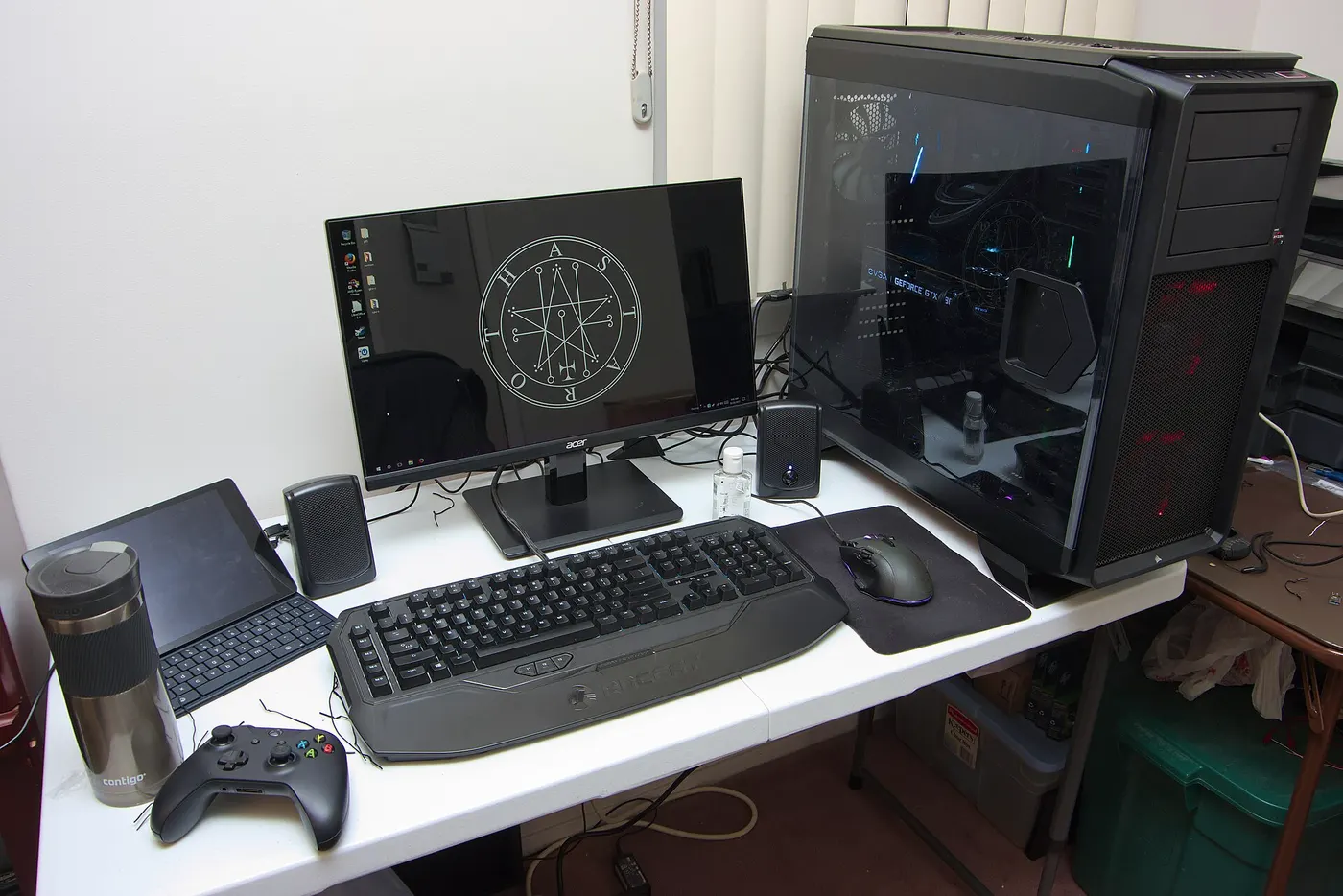
A gaming setup is bought as five receipts across three years and then thought about as one number nobody ever writes down. The useful figure is annual: what the whole desk costs you in a year, including the parts you bought before this one and the electricity you have been paying for all along.
Everything below is arithmetic you can repeat with your own numbers. The prices are labelled examples, because this site has no price feed and no affiliate relationships; what is being demonstrated is the method, and the method is division.
Divide every item by the years you keep it
Each piece of a setup has its own replacement rhythm, and treating them as one purchase hides that. A tower kept 5 years, a monitor kept 7 years and a headset kept 3 years are three different annual costs even when their ticket prices are similar. Write the price, write the keeping period, divide.
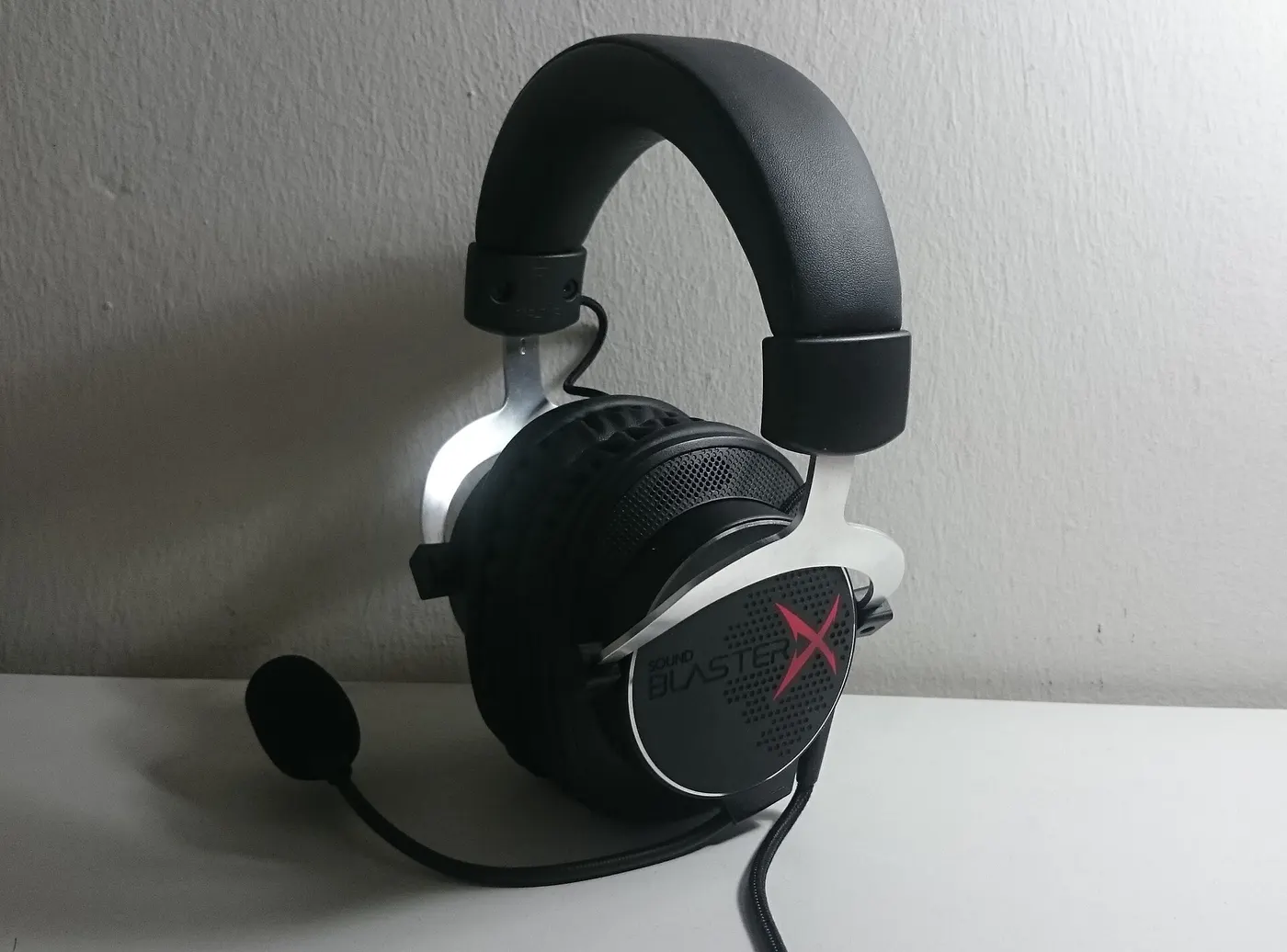
On the example figures used throughout this guide, an example $1,400 tower over 5 years is $280 a year, an example $350 monitor over 7 years is $50 a year, a $120 keyboard over 5 years is $24, an $80 mouse over 4 years is $20, and a $100 headset over 3 years is about $33. Those five add to $407 a year.
The keeping period is a bigger lever than the price. The same $1,400 tower replaced after 3 years is about $467 a year rather than $280 — a $187 swing from a decision you make after you buy, not before. Peripherals are the opposite: a keyboard that survives a decade reduces its annual figure to $12 whatever it cost.
| Item | Example price | Years kept | Cost per year |
|---|---|---|---|
| Tower PC | $1,400 | 5 years | $280 |
| Monitor | $350 | 7 years | $50 |
| Keyboard | $120 | 5 years | $24 |
| Mouse | $80 | 4 years | $20 |
| Headset | $100 | 3 years | $33 |
| Hardware total | $2,050 | mixed | $407 |
Every cell is price divided by years, rounded to the dollar. The $2,050 total is the sum of the receipts and is not divided by anything, because the five items are not replaced together.
Electricity is the line that scales with how much you play
The hardware figure is fixed once you have bought. Electricity is the one line that rises with use, and it is the reason two people with identical desks have different annual costs. The arithmetic is average draw in watts, multiplied by hours a day, multiplied by 365, divided by 1,000, multiplied by your rate.
The EIA published an average residential price of 18.16 cents per kilowatthour for August 2026, and 14.87 cents across all sectors. Rounded to 18 cents, a machine and panel averaging 450 W for 3 hours a day uses about 493 kWh a year, which costs about $89. The same desk at 5 hours a day and a heavier 600 W average is about 1,095 kWh and about $197.
Use your own bill rather than the national average, because residential rates differ substantially between states and between plans on the same grid. The running-energy calculator on this site takes a rate and a wattage so the figure comes out in your money rather than in an average.
| Use pattern | Average draw | kWh per year | Cost per year |
|---|---|---|---|
| 2 hours a day | 350 W | 256 kWh | $46 |
| 3 hours a day | 450 W | 493 kWh | $89 |
| 5 hours a day | 600 W | 1,095 kWh | $197 |
Average draw means averaged across the session, not the power supply's rating. A 750 W supply does not draw 750 W; a plug-in meter is the only way to get your own figure rather than this illustration.
Idle hours, sleep settings and what certification is worth
ENERGY STAR certified computers use about 30 to 40 percent less energy than standard models, through efficient power supplies and better idle management, and the specification requires the display to sleep within 15 minutes of inactivity and the system within 30 minutes. Those two intervals are the certification doing its work on the hours you are not playing.
ENERGY STAR puts the value of enabling power management features on a certified desktop at $15 per year. Against the $89 electricity figure above that is roughly 17 percent of the bill, and it comes from a settings page rather than from a purchase. It is the cheapest line item in this entire guide.
The certification matters less under load than it does at idle, because a machine running a game is not in any of the modes the specification tightens. A desk that sits awake and lit for 16 hours a day and is played on for 3 is mostly paying for the other 13 hours.
- Set the display to sleep after 15 minutes and the system after 30 minutes, the intervals the ENERGY STAR specification requires
- Put the desk lighting and speakers on the same switched strip as the tower so they stop drawing when the session ends
- Measure the whole desk with a plug-in meter for one week rather than adding up rated wattages
- Record the reading, divide by 7 days, and multiply by 365 for your own annual figure
- Multiply by the rate printed on your own bill, not by 18 cents
Sales tax and shipping belong in the per-year figure
Sales tax in the United States is set by state and locality rather than nationally, so the figure that lands on your card is not the figure on the product page. At an example combined rate of 8 percent, the $1,400 tower above arrives at $1,512, which over 5 years is about $302 a year rather than $280.
Applied across the whole example setup, an 8 percent rate turns $2,050 of receipts into $2,214 and raises the hardware line from $407 to about $440 a year. That is a $33 annual difference that never appears in any comparison between two product pages, because both pages show the pre-tax number.
Imported peripherals add a second layer, since duty and carrier handling fees are assessed on arrival. The landed-cost calculator on this site exists to put the tax, shipping and any duty into the purchase price before the division happens, so the per-year figure is computed on what you actually paid.
| Line | Before tax | With 8 percent tax | Per year |
|---|---|---|---|
| Tower PC over 5 years | $1,400 | $1,512 | $302 |
| Monitor over 7 years | $350 | $378 | $54 |
| Peripherals over their own lives | $300 | $324 | $84 |
| Hardware total | $2,050 | $2,214 | $440 |
Eight percent is an illustration, not a rate we are quoting for any location. Peripherals are the keyboard, mouse and headset from the first table, each still divided by its own keeping period.
The annual figure, and the hourly one underneath it
Putting the pieces together on the example build: $407 of hardware and $89 of electricity is about $496 a year before tax. Three hours a day is 1,095 hours in a year, so the setup costs about 45 cents an hour of play.
That hourly figure is the one that settles arguments about whether a peripheral is worth it. An $80 mouse kept 4 years adds $20 a year, which is under 2 cents an hour. A tower replaced two years early adds $187 a year, which is 17 cents an hour. The two decisions are not in the same category, and the ticket prices would never tell you that.
Run your own numbers once a year rather than at the moment of purchase. The figures that move most are the keeping period and the hours played, and neither of them is known on the day the box arrives.
Before you buy
- List every item on the desk with its price and the year you bought it
- Write a keeping period for each item and divide to get a cost per year
- Add the five annual figures rather than comparing five ticket prices
- Measure the whole desk with a plug-in meter for 7 days instead of adding rated wattages
- Find the price per kilowatthour on your own bill and use it in place of 18 cents
- Add your own combined sales tax to each purchase price before dividing
- Divide the annual total by your real hours played to get a cost per hour
Questions readers ask
- Why divide by keeping period instead of comparing prices?
- Because the keeping period changes the answer more than the price does. The example $1,400 tower is $280 a year over 5 years and about $467 a year over 3 years. That $187 gap is larger than the entire annual cost of the monitor, keyboard, mouse and headset combined, and it is decided by how long you keep the machine.
- Is 450 W a realistic average for a gaming PC and monitor?
- It is an illustration rather than a measurement of any specific build, and the rating on a power supply is not the figure to use. A 750 W supply is a maximum, not a draw. A plug-in meter left on the desk for 7 days gives a real average, which is the figure the running-energy calculator is designed to take.
- Does ENERGY STAR certification pay for itself on a gaming machine?
- The certification tightens idle, sleep and off modes, and certified computers use about 30 to 40 percent less energy than standard models overall. A gaming machine under load is in none of those modes, so the saving lands on the hours between sessions. Enabling the power management features is worth about $15 per year on a certified desktop.
- Should sales tax really go into the per-year figure?
- It is money that left your account, so yes. At an example 8 percent rate the hardware line in this guide rises from $407 to about $440 a year. The reason it is usually left out is that product pages quote pre-tax prices, which makes two listings look comparable when the delivered totals differ.
- What is the cheapest change on this whole list?
- The sleep intervals. Setting the display to sleep after 15 minutes and the system after 30 minutes is worth about $15 a year on a certified desktop, roughly 17 percent of the $89 electricity line, and costs nothing but a settings page.
Sources
- U.S. Energy Information Administration — Electric Power Monthly, average price of electricity to ultimate customers by end-use sector — checked 2026-11-03
- ENERGY STAR — Computers: efficiency range, required sleep intervals and the annual saving from power management — checked 2026-11-03
- ENERGY STAR — Monitors: average efficiency gain and the total energy consumption requirement — checked 2026-11-03
Some links on this site can earn us a commission. That does not change which product a guide recommends, and it adds nothing to your price. Advertising is not enabled on this site yet. When it is, ads will be labelled and kept visually separate from the guides.